
Kia Soul (SK3): Features of your vehicle / Transmission shift indicator. Dual clutch transmission shift indicator
Automatic transmission shift indicator
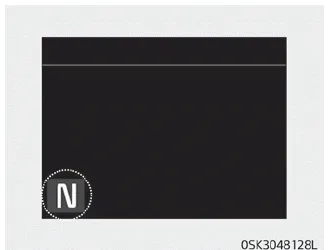
This indicator displays which automatic transmission shift lever is selected.
- Park : P
- Reverse : R
- Neutral : N
- Drive : D
- Sports Mode : 1, 2, 3, 4, 5, 6
Manual transmission shift indicator
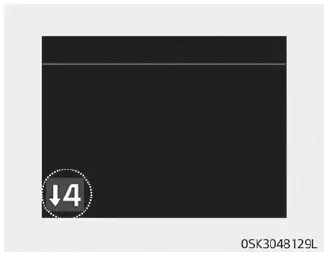
This indicator informs which gear is desired while driving to save fuel.
- Shifting up : ▲2, ▲3, ▲4, ▲5, ▲6
- Shifting down : ▼1, ▼2, ▼3, ▼4, ▼5
For example
 Indicates that shifting up to the
3rd gear is desired (currently the shift lever is in the 2nd or 1st gear).
Indicates that shifting up to the
3rd gear is desired (currently the shift lever is in the 2nd or 1st gear).
 Indicates that shifting down to
the 4th gear is desired (currently the shift lever is in the 5th or 6th gear).
Indicates that shifting down to
the 4th gear is desired (currently the shift lever is in the 5th or 6th gear).
When the system is not working properly, the indicator is not displayed.
Dual clutch transmission shift indicator
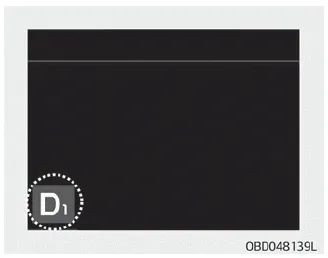
This indicator displays which shift lever is selected.
- Park : P
- Reverse : R
- Neutral : N
- Drive : D1, D2, D3, D4, D5, D6, D7
- Sports mode: S1, S2, S3, S4, S5, S6, S7
1. Tachometer 2. Speedometer 3. Engine coolant temperature gauge 4. Fuel gauge 5. Warning and indicator lights 6. LCD display Instrument cluster control Adjusting instrument cluster illumination WARNING Never adjust the instrument cluster while driving.
LCD Display Control The LCD display modes can be changed by using the control buttons. 1. : MODE button for changing modes 2. / : MOVE switch for changing items 3.
Other information:
Kia Soul (SK3) 2020-2025 Owners Manual: If the engine overheats
If your temperature gauge indicates overheating, you will experience a loss of power, or hear loud pinging or knocking, the engine is probably too hot. If this happens, you should: 1. Pull off the road and stop as soon as it is safe to do so. 2.
Kia Soul (SK3) 2020-2025 Owners Manual: Emission control system
The emission control system of your vehicle is covered by a written limited warranty. Please see the warranty information contained in the Warranty & Maintenance book in your vehicle. Your vehicle is equipped with an emission control system to meet all emission regulations.
Categories
- Manuals Home
- Kia Soul Owners Manual
- Mirrors. Outside rearview mirror. Folding the outside rearview mirror
- Specifications & Consumer information
- Changing tires
- New on site
- Most important about car
